A home office earns its keep when it protects your posture, your eyes, and your focus across a full working day. Every pick on this page targets one of those pressure points. A quality mechanical keyboard is kinder on your wrists than a stock laptop deck during long typing sessions. A laptop stand lifts the screen to eye level so your neck stops paying the daily bill. A monitor light gives you consistent, glare free illumination at any hour. A sharp webcam makes video calls look professional. A desk organizer keeps the work surface calm. Together they turn a spare table into a real workspace.
Top picks for the home office

Best Budget Mechanical Keyboards
Top pick: EPOMAKER x Aula F75 Gasket Mechanical Keyboard, 75% Wireless Hot Swappable Gaming

Best Laptop Stands for the Home Office
Top pick: Amazon Basics Sturdy and Portable Ergonomic Laptop Stand for Desk, Height Adjustable

Best Monitor Lights for the Desk
Top pick: Quntis Computer Monitor Lamp, Screen Monitor Light Bar for Eye Caring, USB

Best Budget Webcams
Top pick: Logitech Brio 101 Full HD 1080p Webcam for Meetings, Streaming, Desktop, Laptop, PC
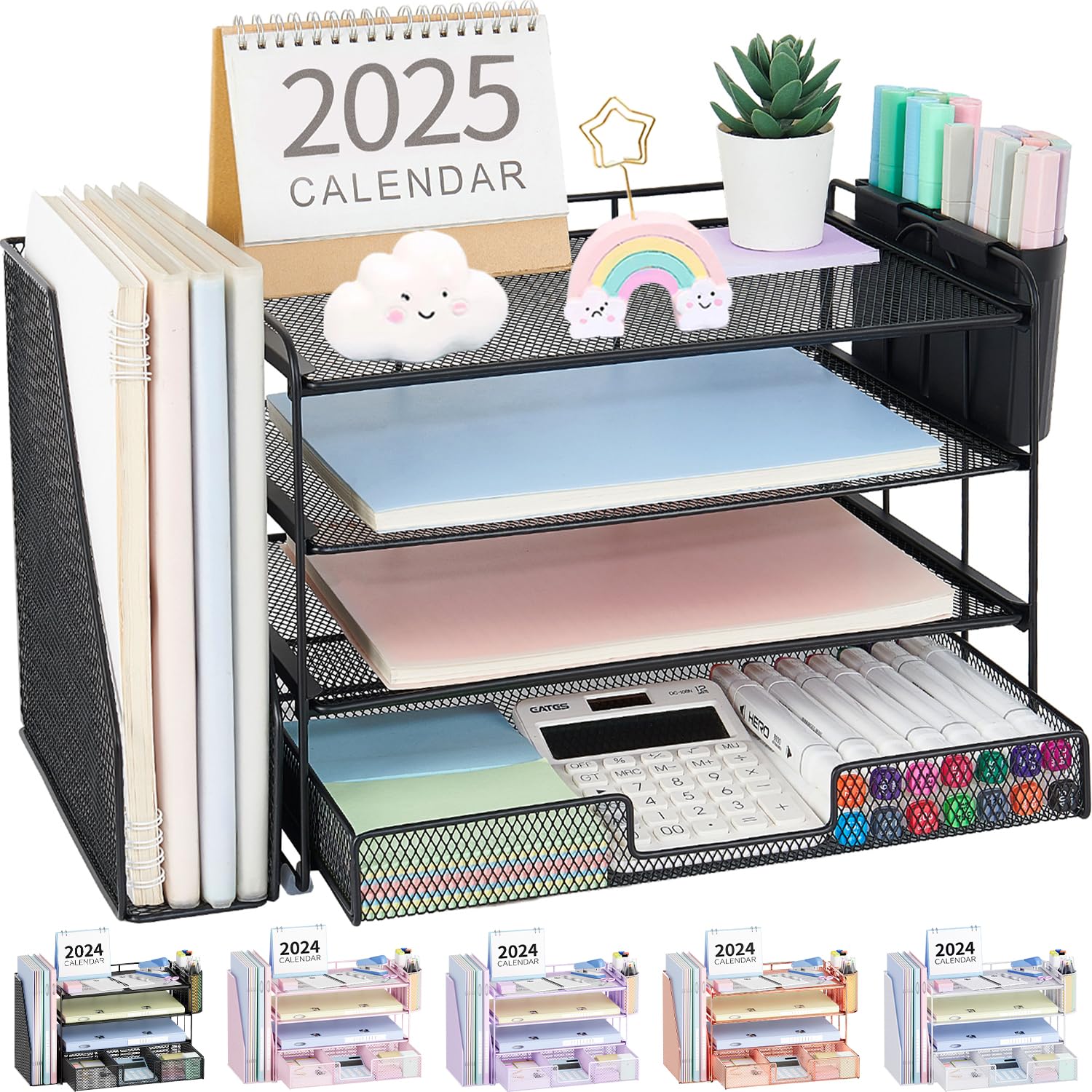
Best Desk Organizers for the Home Office
Top pick: OPNICE Desk Organizer, 4 Tier Desktop File Organizer with Drawer and 2 Pen
Frequently Asked Questions
Do I need a mechanical keyboard for office work?
If you type for most of the day, it tends to feel better on the hands over the long haul. Pick a switch profile that matches your preference for feedback and noise, and look at quiet linear options if you share a space.
Is a laptop stand enough, or should I add a second monitor?
A stand plus a separate keyboard covers a lot of workers. A second monitor helps anyone juggling two documents side by side for most of the day, and it pairs naturally with the same laptop stand setup.
Where should a monitor light sit?
Clipped or rested on the top edge of the monitor, aimed down at the desk. That angle lights the keyboard and papers in front of you without reflecting back off the screen and creating glare.
How often should I replace a home office webcam?
Most last several years. Upgrade when your video looks soft compared to colleagues, when low light performance fades, or when you move to a brighter room and the camera can no longer handle the exposure.
Other room guides
Opens your browser's print dialog. Choose Save as PDF as the destination.